


Basketball SVG Cut File Bundle
Bring the energy of the court to your craft room with this action‑packed **Basketball SVG Bundle** — filled with customizable projects, keepsake picture frames, and team‑inspired designs for every player, coach, and fan. Whether you're celebrating a winning season or creating end‑of‑season gifts, these SVGs are perfect for paper, wood, and acrylic projects using your Cricut®, Silhouette®, Glowforge®, or other cutting machines and lasers.
🖼️ Picture Frame SVGs Included:
-
Basketball Champ(s) – Celebrate tournament wins and championship memories
-
Basketball Star(s) – Highlight standout players or the whole squad
-
Basketball is Life – For the hoop lover who eats, sleeps, and breathes basketball
-
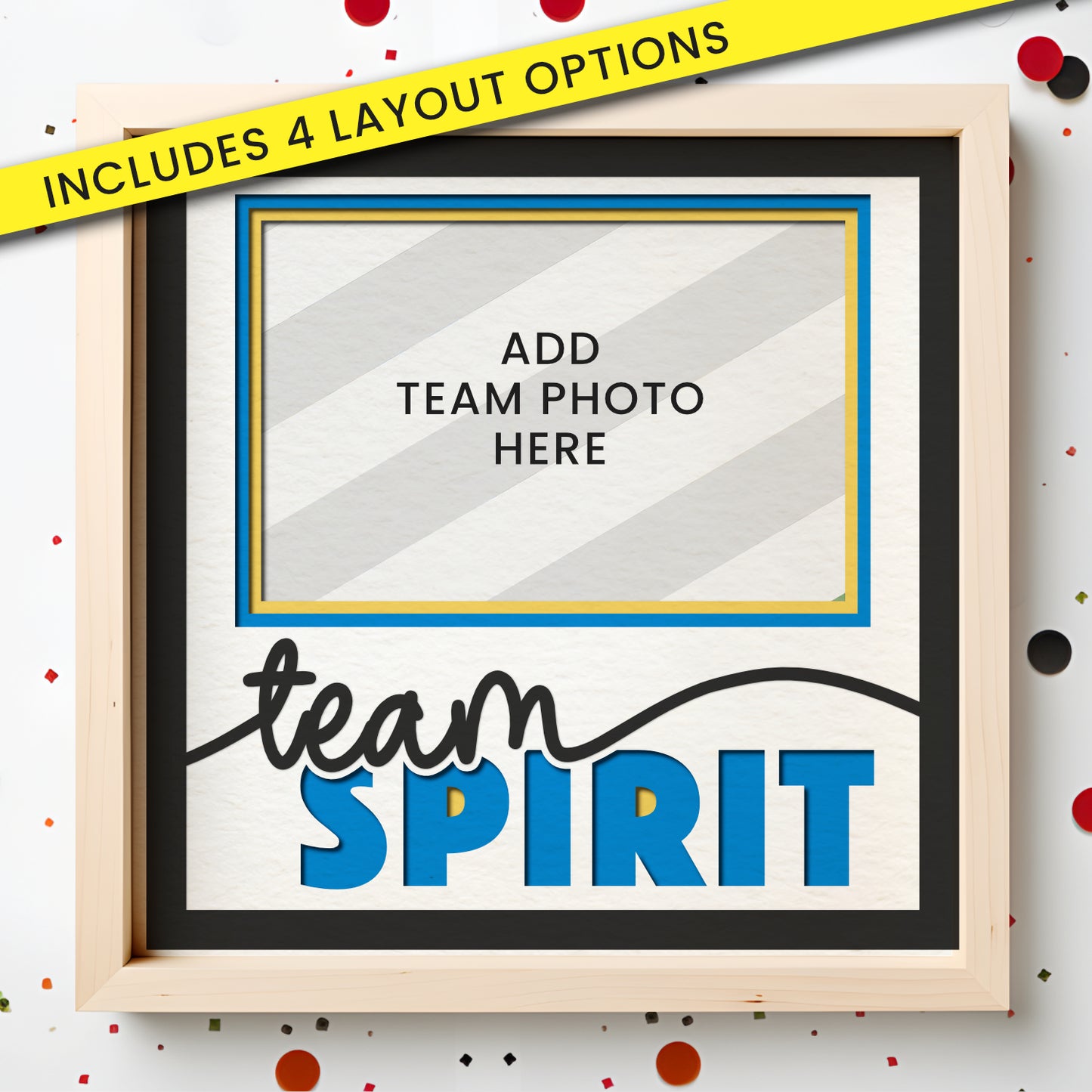
Team Spirit – Capture your favorite game‑day photo and show off team pride
-
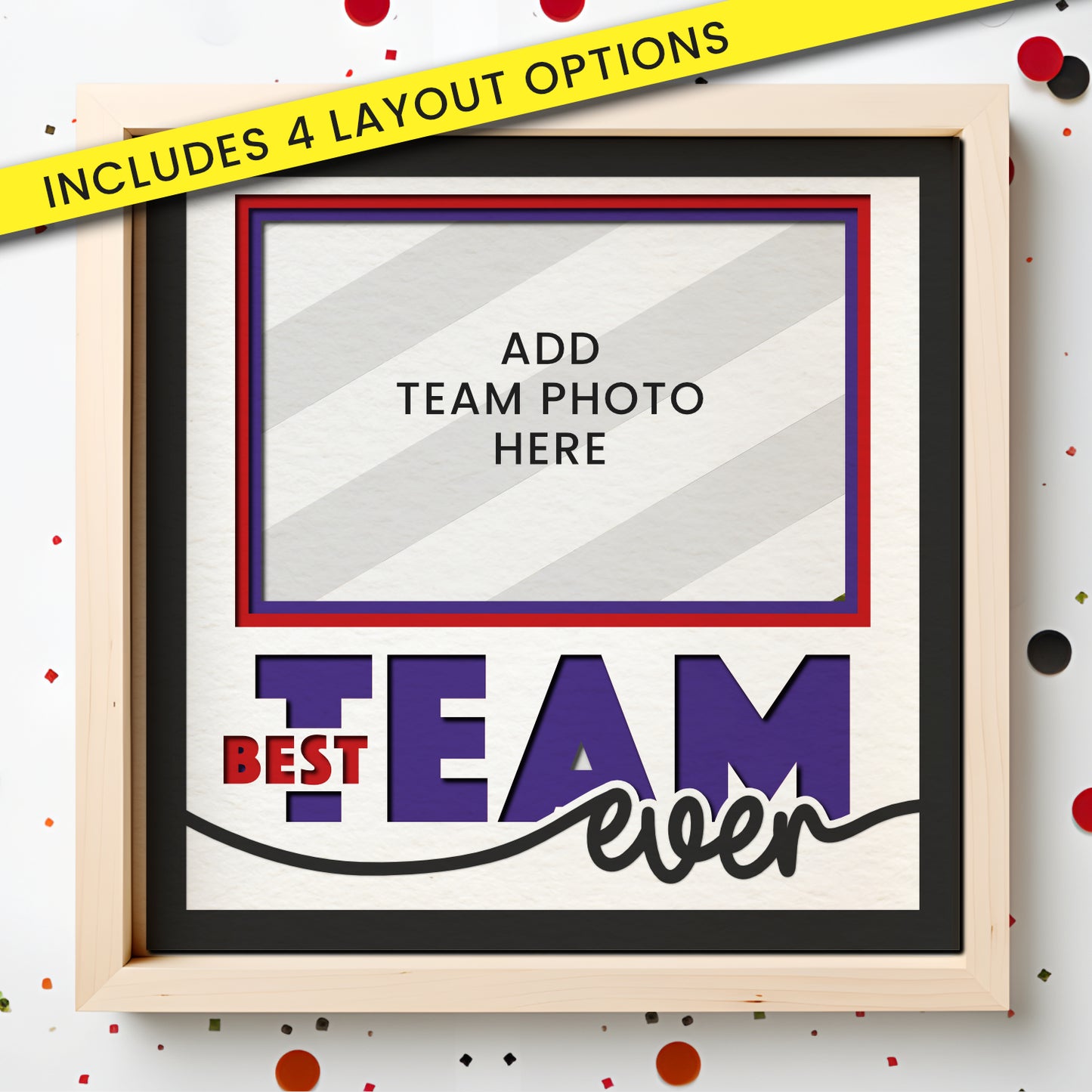
Best Team Ever – A perfect way to commemorate an unforgettable season
✂️ Also Includes Non-Picture Frame Layered SVG Projects:
-
Customizable Basketball Name Sign – Personalize with a player's name for locker decor or bedroom signs
-
Customizable Jersey SVG – Add your player's name or number for team gifts, shirt decals, or tags
-
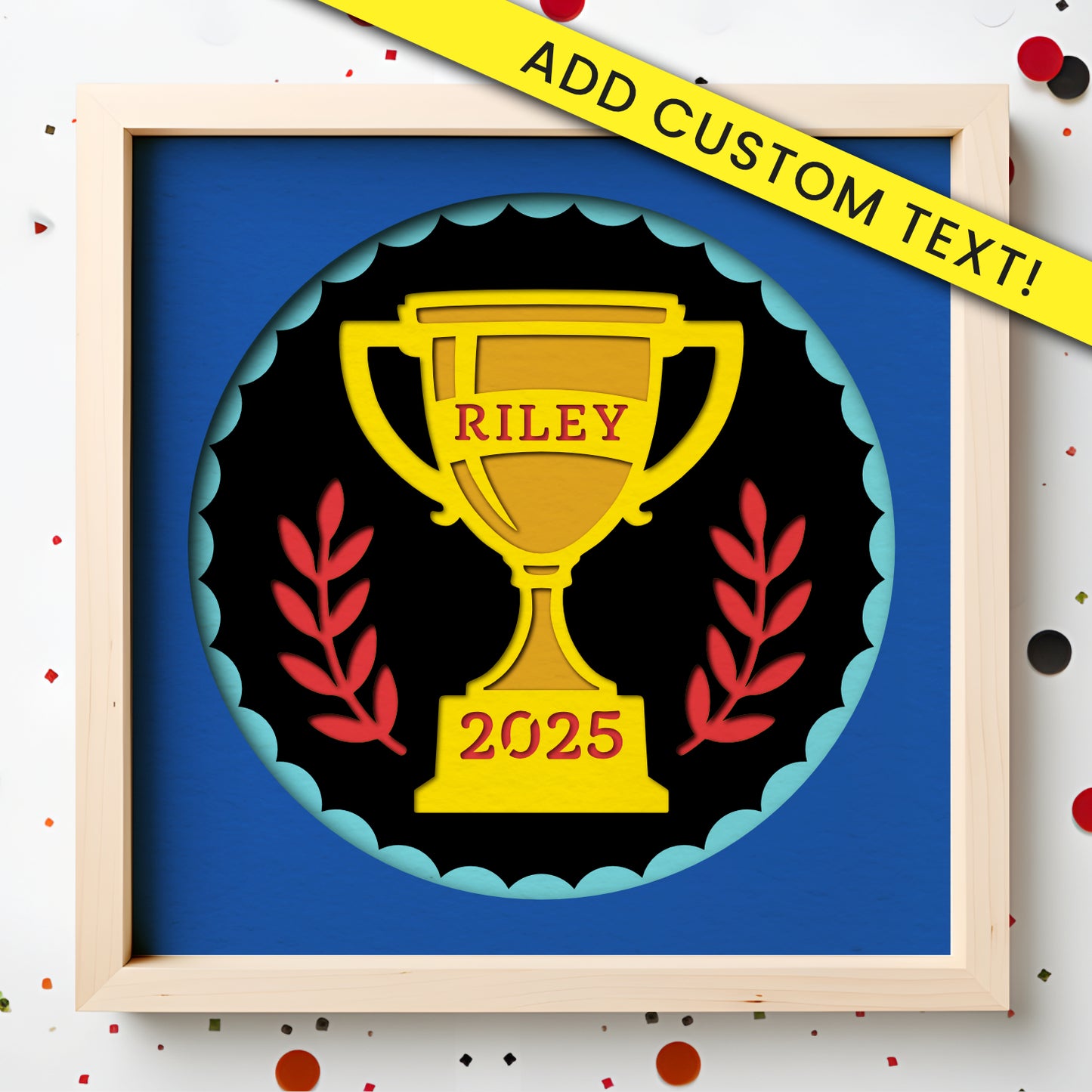
Customizable Trophy SVG – Ideal for end‑of‑season awards, gifts, and displays
-
LOVE Basketball Layered Sign – A bold design where the “O” is a basketball — great for decor and gifting
-
Best Coach Ever – A heartfelt tribute for the coach who made a difference
-
Thanks Coach – A simple, meaningful design perfect for team appreciation gifts
Each design is clean, easy to cut, and layered for beautiful results — even for beginners. From player gifts to coach appreciation to home décor, this bundle has everything you need to craft unforgettable basketball‑themed projects all season long.
*This is a digital product. no physical item will be mailed.
**100% satisfaction. No fuss, 30-day money-back guarantee.



800+ 5 Star Reviews
Download Instantly
20,000+ customers
Product Reviews
faq
How will I get my files?
Once you purchase, you will receive a link to securely download your files via our website. You will also receive an email with the link. Or you can access your files by creating an account on our website with the same email address used to purchase.
Can I sell my projects?
Yes (with rules)!
We love supporting small businesses, that’s why each design includes a limited commercial license to sell up to 100 physical products made by you. We also offer an extended license for customers who need it.
You may not sell the digital files or print on demand products.
What is a layered SVG file?
A layered SVG is an SVG file that, once loaded into your cutting machine such as a Cricut® Maker or Silhouette® Cameo or laser cutting machine, will cut each layer in the file on a separate piece of material.
How do I use these designs?
Each design comes with an easy-to-follow PDF instruction manual and links to our growing library of tutorials.
Can I use these files with Cricut®, Silhouette® or Brother ScanNCut®?
Yes, our files work with all of the above. Each design includes an SVG for Cricut and Brother Scan n Cut as well as .studio3 file which works with all paid versions of Silhouette Studio (Designer, Designer Plus, and Business Edition).
WHAT THIS MEANS:
When you load a .studio3 file into Silhouette Studio, the layers will be automatically loaded and ready to cut on separate sheets of paper. The SVG files still work with Silhouette Studio, but require the user to manually separate the layers before cutting.
Will these work with my laser machine?
Probably! Our files are layered SVG files and work most modern laser machines. We have successfully tested our files on Glowforge, xTool and WeCreat lasers and any laser that uses Lightburn or CorelDraw.
*If you find our your machine is not compatible, we will issue a full refund!
How does the Money-Back Guarantee work?
We're pretty sure you're going to love these projects. But if you don't, email support@craftycatsvg.com within 30 days of your purchase and we will happily issue a refund.
What if I have more questions?
We are here to help! Our customer service is fast and friendly. If you have a question about your purchase or and issues with your files, please reach out to support@craftycatsvg.com and we will happily assist you.
Recently viewed

Instant Download
Money-Back Guarantee
Human Support
